Stop polling. Your pipelines will find you.
CIMon watches GitLab and GitHub from your desktop, shows live status in your menu bar or system tray, and sends a native notification when something changes.
macOS, Windows, and Linux
One quiet signal
A glance replaces another browser tab.
Set it up once. CIMon stays out of the way until a pipeline needs your attention.
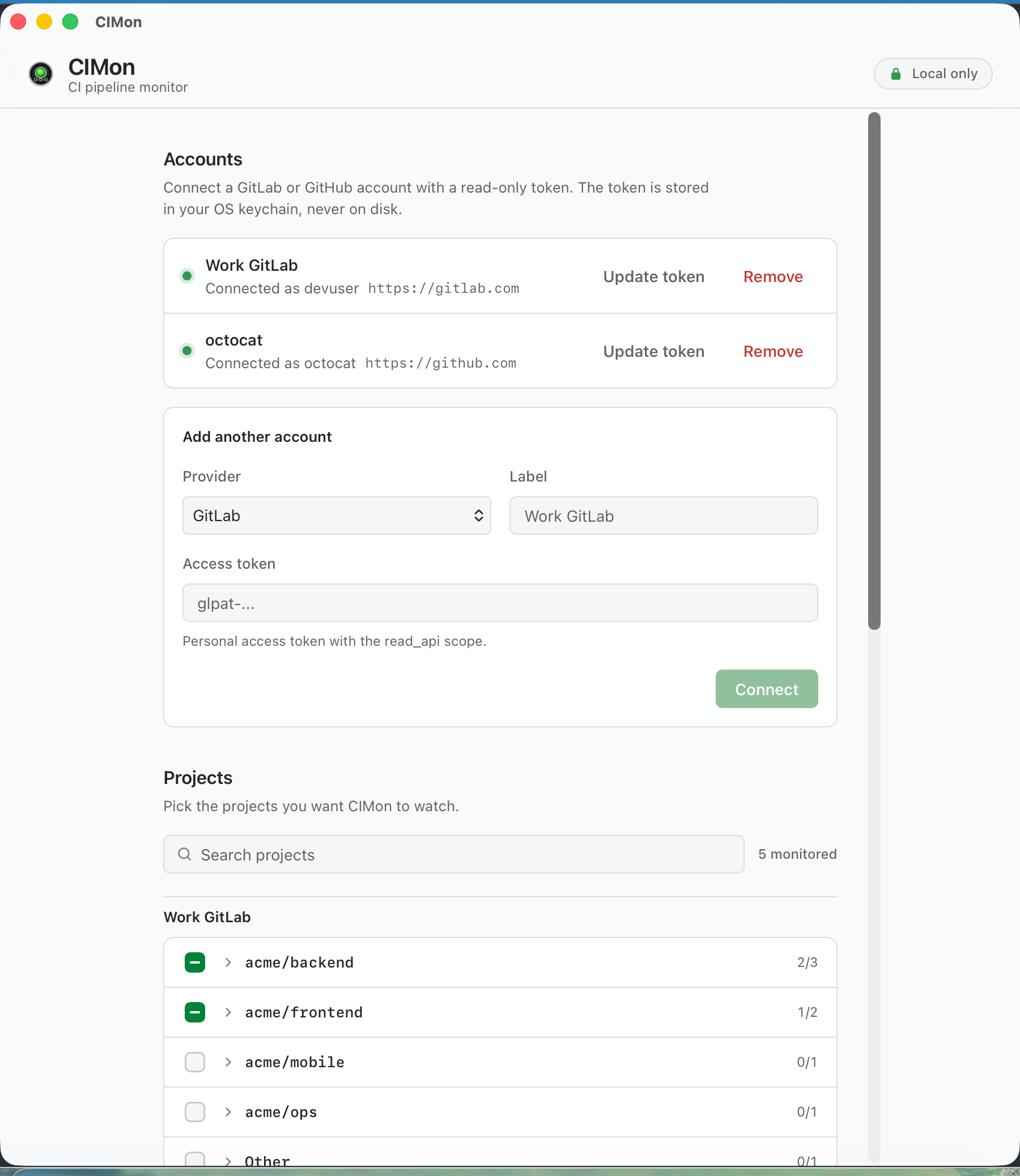
- Connect Add GitLab or GitHub with a scoped, read only access token.
- Choose Select the projects and events that matter to you.
- Keep working CIMon reports starts, passes, failures, cancellations, and token health.
Built for focus
Small footprint. Clear boundaries.
Live status at a glance
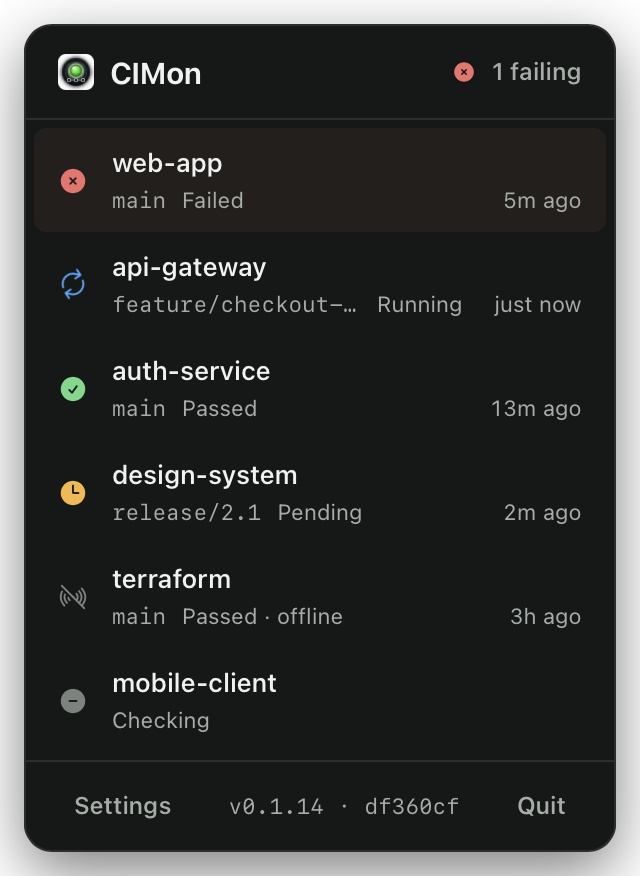
The tray icon reflects the worst current state. Open the popover for project, branch, and timing details.
Notifications you choose
Pipeline and job events have independent controls for started, succeeded, failed, and canceled states.
Failures you can clear
Dismiss a failure you already handled without changing anything on the CI server. A new pipeline makes it visible again.
Token health before surprise
CIMon distinguishes invalid, revoked, and expiring tokens from an ordinary connection problem.
Privacy is the architecture
Your CI credentials do not take a detour.
CIMon runs entirely on your machine and talks directly to the CI provider you configure. There is no CIMon cloud, account, telemetry, analytics, or anonymous usage collection.
- Tokens stay in your operating system credential store.
- Provider access is read only.
- CIMon never triggers, reruns, or cancels a pipeline.
- The application and website source are public.
Questions
Before you install.
Which CI providers are supported?
GitLab.com, self managed GitLab, GitHub.com, and GitHub Enterprise are supported. One CIMon installation can monitor multiple accounts.
Where is my access token stored?
In macOS Keychain, Windows Credential Manager, or the Linux Secret Service. It is sent only to the provider instance you configure.
Is CIMon free?
Yes. CIMon is free, open source software under the MIT license.
What should Windows users expect?
The Windows installer is not yet code signed, so SmartScreen shows a one time warning. The macOS build is signed and notarized.
Leave the tab closing to CIMon